Updated October 21, 2026 · By Minecraft APK Editorial Team
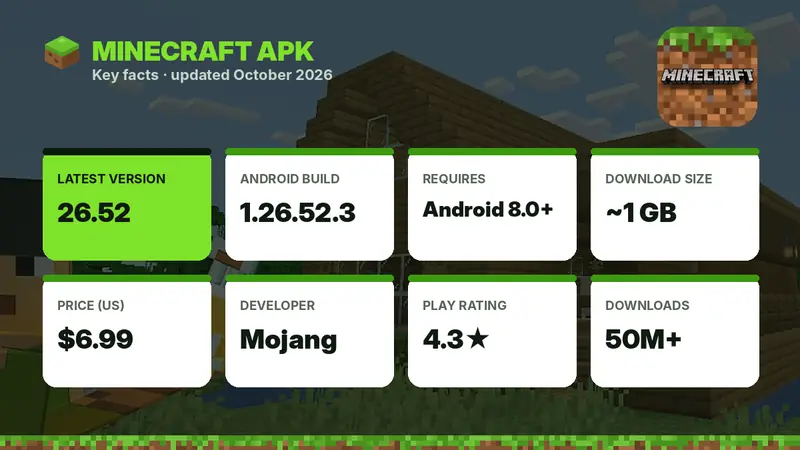
Minecraft APK is the Android installation file of Minecraft (Bedrock Edition), the sandbox game made by Mojang Studios. The latest version is Minecraft 26.52 (Android build 1.26.52.3), released on September 25, 2026. It needs Android 8.0 or newer, the download is about 1 GB, and it costs a one-time $6.99 on Google Play. The safest way to get the real APK is the official Play Store listing (package name com.mojang.minecraftpe). If you want to try before you buy, Mojang also offers a free, time-limited Minecraft Trial.
Table of Contents
- What Is Minecraft APK?
- What's New in Minecraft APK 26.52 (Latest Version)
- Minecraft 2026 Updates at a Glance
- Why Is It 26.52 and Not Minecraft 1.22?
- Main Features of Minecraft APK
- Minecraft Game Modes Compared
- Is Minecraft APK Free?
- Official vs Unofficial Minecraft APK
- Minecraft APK System Requirements
- How to Download and Install Minecraft APK
- Minecraft on PC, iPhone and Other Devices
- Minecraft APK (Bedrock) vs Java Edition
- Tips to Make Minecraft Run Smoothly on Android
- Common Minecraft APK Problems and Fixes
- Is Minecraft APK Good for Kids?
- Beginner Tips: What to Do First in Minecraft
- Pros and Cons of Minecraft APK
- Final Verdict
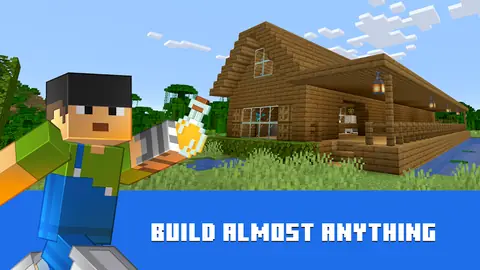
Minecraft is still one of the most played games on Android, and for good reason. You get an endless world made of blocks where you can mine, craft, farm, fight mobs, build anything from a dirt hut to a full city, and play with friends on phones, consoles and PC. Searching for "Minecraft APK" usually means one of three things: you want the latest version, you want a safe download, or you want to know how to install and update it correctly. This guide covers all three in one place.
We track every Minecraft Bedrock release for Android and explain what changes in each update in plain language, using Mojang's official changelogs and the Google Play listing. Below you will find the latest version details, the full 2026 update timeline, features, system requirements, a step-by-step installation guide, performance tips, fixes for common errors and honest answers to the questions players ask most.
What Is Minecraft APK?
An APK (Android Package Kit) is the file format Android uses to install apps. Minecraft APK simply means the Android version of Minecraft. On Google Play the app is now listed as "Minecraft: Dream it, Build it!", published by Mojang, and it is the same Minecraft: Bedrock Edition that runs on iPhone, iPad, Windows, Xbox, PlayStation, Nintendo Switch and Chromebook.
The Android version first came out on August 15, 2011 as Minecraft: Pocket Edition (MCPE). Over the years it grew from a small mobile spin-off into the full game. In 2017 Mojang merged the mobile, Windows and console versions into one codebase called Bedrock Edition and dropped the "Pocket Edition" name. That is why you will still see players call it Minecraft PE, MCPE, Pocket Edition or Bedrock — they all mean the same app. Read the full story in our Minecraft Pocket Edition APK guide.
- Minecraft APK = the Android install file of Minecraft
- Minecraft PE / Pocket Edition = the old name of the mobile version (used until 2017)
- Minecraft Bedrock Edition = the current cross-platform version that Android uses
- Minecraft: Dream it, Build it! = the current Google Play store title
Mojang Studios has been owned by Microsoft since 2014, which is why you sign in with a free Microsoft account to unlock online play, Realms and the Marketplace.
What's New in Minecraft APK 26.52 (Latest Version)
Minecraft 26.52 is a hotfix that landed on September 25, 2026, just after the big Wilderness Bound game drop (version 26.50, released September 15, 2026). If you update today, you get everything from Wilderness Bound plus the latest bug fixes.
Wilderness Bound (26.50) highlights
- Dappled Forest biomea new forest type found near cold biomes, filled with tall Poplar Trees and Red Shrubs.
- Abandoned Campsa new structure that appears in 18 biomes, each with its own style. Chests and barrels hold loot, including Explorer Maps.
- Poplar wood setplanks and building blocks crafted from Poplar Logs; Poplar Saplings grow into three color variants.
- Cushionscolored seats crafted from 3 matching Wool Slabs that can be placed on any flat surface.
- Straw Bed3 Hay Bales make 4 single-use beds that let you sleep without changing your spawn point (they break in the Nether and the End).
- Shelf Mushroomgrows on Poplar Trees, can be used in stews and grows larger with Bone Meal.
- Wool and Concrete Stairs & Slabs in all 16 colors – a huge win for builders.
- Mob changesbats now spawn in all Overworld biomes except the Deep Dark, Endermen try to teleport away before projectiles hit, and Zombies and Husks keep their gear when they transform.
Fixes in 26.51 and 26.52
The two hotfixes after the drop focus on stability. Version 26.52 improves stability on some devices, stops projectiles from hitting players in Spectator Mode, prevents placed Cushions from disappearing when a chunk reloads, and fixes achievements being disabled in older worlds that use Marketplace add-ons. Google Play simply shows "Various bug fixes" for this release.
What comes next?
Mojang releases a smaller update roughly every few weeks and a named game drop about four times a year. Version 26.60 is the next planned release, and the fourth game drop of 2026 (26.70) is already being tested in Minecraft Preview, with preview builds such as 26.70.20 rolling out since October 2026. We update this page as soon as each version reaches Google Play.

Minecraft 2026 Updates at a Glance
Starting in 2026 Minecraft uses year-based version numbers, so every 2026 release starts with "26". Here is every major Bedrock release of the year so far:
| Version | Name | Release date | Highlights |
|---|---|---|---|
| 26.0 | First 2026 release | Feb 10, 2026 | The new year-based numbering begins |
| 26.10 | Tiny Takeover | Mar 24, 2026 | 39 redesigned baby mobs, craftable name tags, Golden Dandelion keeps babies young |
| 26.20 | Update | May 5, 2026 | Features, parity changes and fixes |
| 26.30 | Chaos Cubed | Jun 16, 2026 | Sulfur Cube mob, Sulfur Caves biome, cinnabar and sulfur block sets |
| 26.40 | Update | Aug 4, 2026 | Improvements and bug fixes |
| 26.50 | Wilderness Bound | Sep 15, 2026 | Dappled Forest, Abandoned Camps, Cushions, Straw Beds |
| 26.52 | Hotfix (latest) | Sep 25, 2026 | Stability and gameplay fixes |
| 26.70 | Fourth Drop 2026 | Expected Q4 2026 | Currently in Minecraft Preview |
Want the full list including every hotfix? See our Minecraft 26 APK version guide.
Why Is It 26.52 and Not Minecraft 1.22?
For more than a decade Minecraft versions looked like 1.18, 1.19, 1.20 and 1.21. Many players expected the next big release to be "1.22". Instead, on December 2, 2025 Mojang announced a new system: the first number is the year, the second is the release, and Bedrock hotfixes count up from there. So 26.10 was the first game drop of 2026, 26.30 the next, and so on.
On Android you may still see a "1." at the front of the internal build number — Google Play lists the current build as 1.26.52.3. That is why searches like "Minecraft 1.26 APK" exist. It is the same release as 26.52. Read more in Is there a Minecraft 1.22 APK? and our Minecraft 1.21 APK history, which covers every 1.21.x build from Tricky Trials (1.21.0) to Mounts of Mayhem (1.21.130).
Main Features of Minecraft APK
Survival Mode
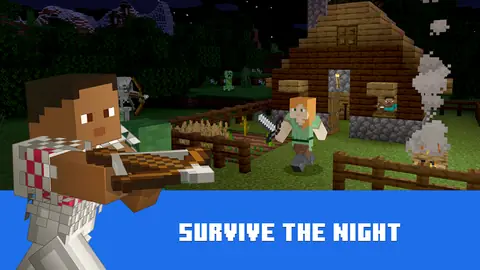
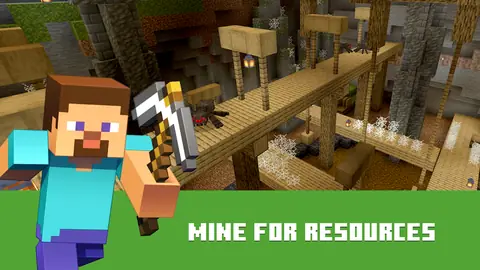
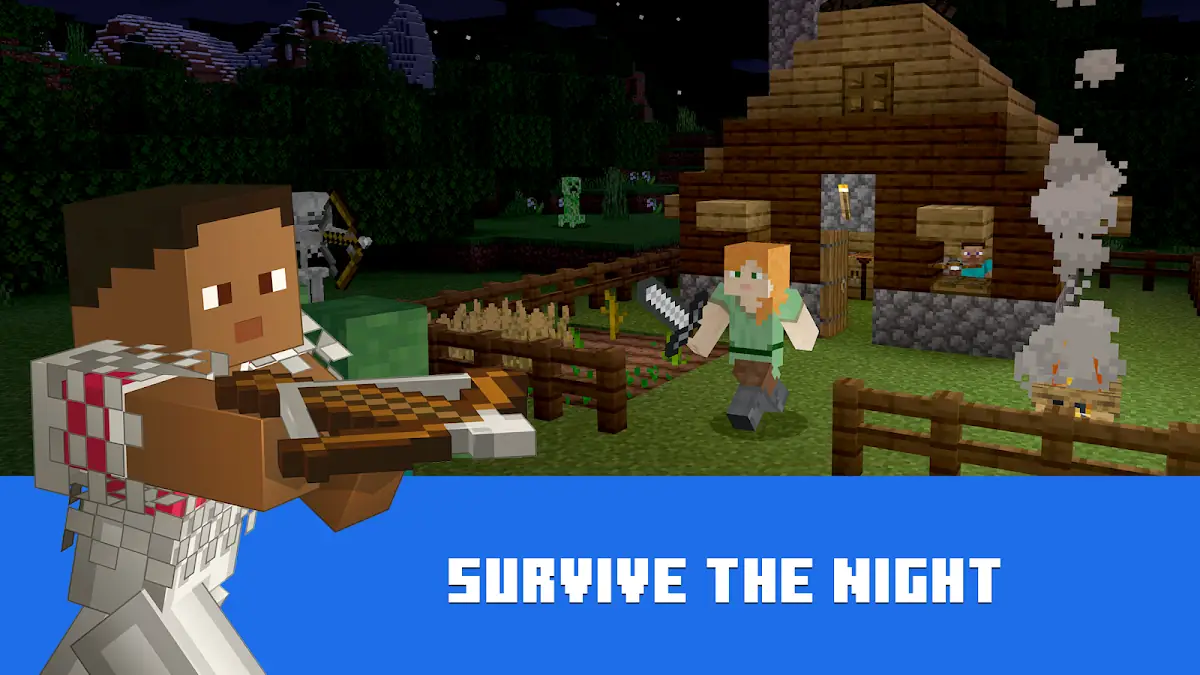
Survival is the classic way to play. You start with nothing, punch trees for wood, craft tools, find food and build shelter before the first night when zombies, skeletons, spiders and Creepers come out. Dig deeper to find iron, gold, redstone and diamonds, travel to the Nether, and eventually face the Ender Dragon in the End.
Creative Mode
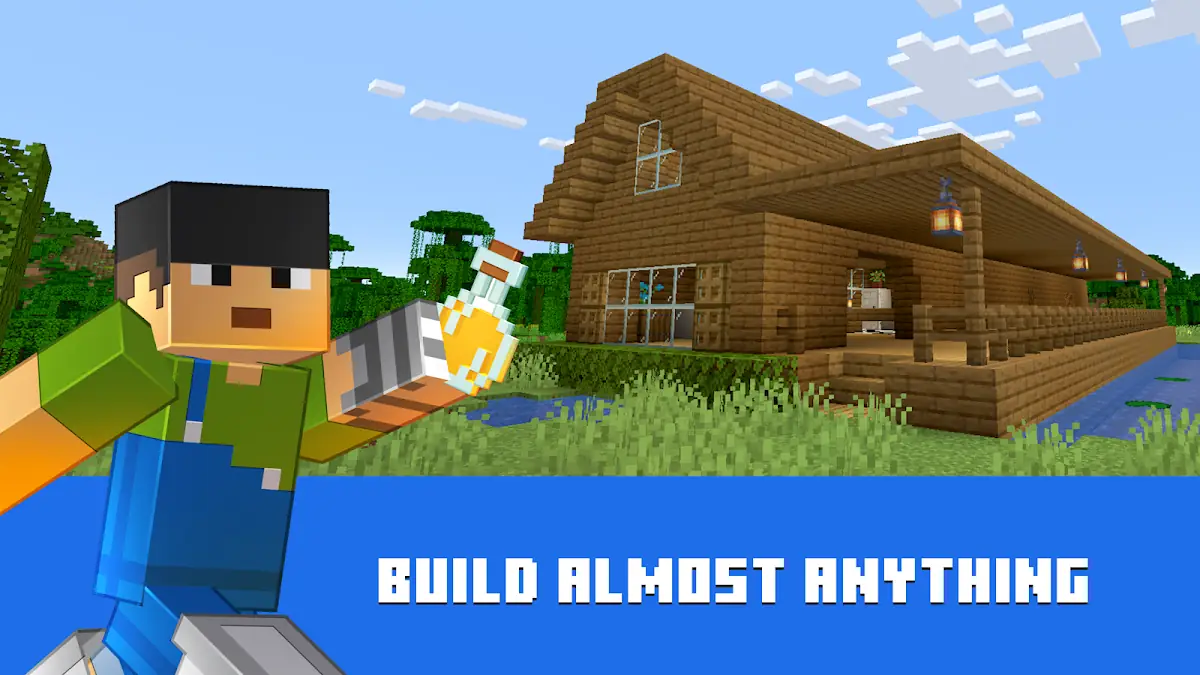
Creative mode gives you unlimited blocks and items, the ability to fly and no danger from mobs. It is perfect for big builds, pixel art, redstone machines and testing ideas before you build them in Survival.
Hardcore Mode
Hardcore arrived on Bedrock Edition with the Bundles of Bravery update in late 2024. It is Survival locked to Hard difficulty with one life — if you die, the world is over. It is the ultimate challenge for experienced players.
Multiplayer, Realms and Servers
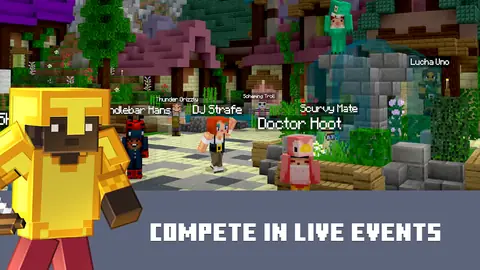
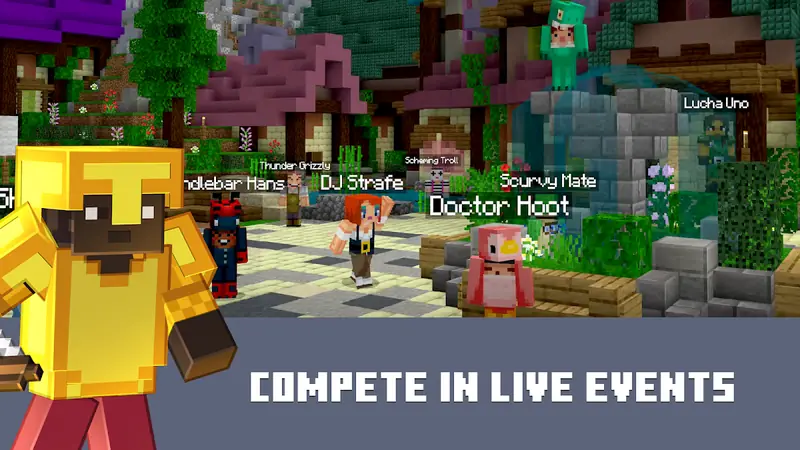
Minecraft on Android is fully multiplayer. According to Mojang's Play Store listing, you can play online with up to 4 players using a free Xbox network (Microsoft) account, join huge featured servers with mini-games and community events, or play on the same Wi-Fi network (LAN) for free. With a Realms Plus subscription you get your own private server for up to 10 friends that stays online 24/7, plus a rotating catalog of Marketplace content. New users can try Realms Plus free for 30 days in the app.
Cross-Platform Play
Because Android runs Bedrock Edition, you can join friends who play on iPhone, iPad, Windows, Xbox, PlayStation, Nintendo Switch and Chromebook. The only version you cannot play with is Java Edition, which is a separate PC game (see our Java Edition APK guide).
Minecraft Marketplace
The in-game Marketplace sells creator-made worlds, skin packs, texture packs, mash-ups and add-ons. Purchases use Minecoins and are tied to your Microsoft account, so they follow you to other devices. In-app purchases on Google Play range from $0.99 to $49.99 per item.
Add-Ons, Commands and Customization
Bedrock supports add-ons (behavior packs and resource packs) that change mobs, items and textures, and slash commands that let you change the weather, time of day, summon mobs and much more. This is the official, safe way to "mod" Minecraft on Android — far better than a risky Minecraft mod APK.
Vibrant Visuals
Vibrant Visuals is Mojang's optional graphics mode for Bedrock, introduced with the Chase the Skies drop in June 2025. It adds realistic lighting, shadows, fog and reflections without needing resource packs. On supported Android devices you can switch it on in the video settings; on older phones it is best left off for smoother gameplay.
Touch Controls, Controllers and Offline Play
The touch controls are built for phones and tablets, and you can also connect a Bluetooth game controller or keyboard and mouse. Single-player worlds work completely offline, so you can play on a train or a flight. You only need internet for multiplayer, Realms, Marketplace downloads and updates.

Minecraft Game Modes Compared
| Mode | Resources | Danger | Best for |
|---|---|---|---|
| Survival | Gather and craft everything | Mobs, hunger, fall damage | The classic adventure |
| Creative | Unlimited, flying enabled | None | Building and redstone |
| Hardcore | Gather and craft | Hard difficulty, one life | Experienced players |
| Adventure | Limited block breaking | Depends on the map | Custom maps and mini-games |
| Spectator | None | None, fly through blocks | Exploring and filming worlds |
Is Minecraft APK Free?
The full game is not free. Minecraft costs a one-time $6.99 on Google Play in the United States (prices vary by country), and you never pay again for updates. There are still a few legitimate ways to play without paying first:
- Minecraft TrialMojang's free, time-limited demo on Google Play. It is Survival-only, and trial worlds do not transfer to the full game. Details in our Minecraft Trial APK guide.
- Google Play Family LibraryMinecraft is eligible, so one purchase can be shared with family members in your Google family group.
- Minecraft Classicthe original 2009 creative version, free to play in a web browser.
Be careful with "free Minecraft APK" downloads. Any site offering the full paid game for free is distributing a modified copy. These builds cannot sign in to your Microsoft account, often break multiplayer, never update automatically and can contain adware or malware. Read Is Minecraft APK safe? before installing any file from outside Google Play.
Official vs Unofficial Minecraft APK
| Feature | Official APK (Google Play) | Unofficial / modded APK |
|---|---|---|
| Source | Mojang via Google Play | Unknown uploaders |
| Safety | Scanned by Google Play Protect | Can hide malware or adware |
| Updates | Automatic, same day | Manual, often weeks late |
| Microsoft account sign-in | Works | Usually blocked |
| Realms, servers, Marketplace | Full access | Limited or none |
| Your worlds and purchases | Safe and restorable | Risk of loss |
| Legal status | Licensed | Violates Mojang's terms |
Minecraft APK System Requirements
Mojang's Play Store listing currently requires Android 8.0 and up. The download is roughly 1 GB (Google Play showed 1,010 MB on a recent device), and your worlds, skins and add-ons need more space over time.
| Android version | 8.0 (Oreo) or newer |
|---|---|
| Download size | About 1 GB (varies by device) |
| Free storage | Keep at least 3 GB free for the install, updates and worlds |
| RAM | Not officially listed; 3–4 GB or more gives smoother play |
| Processor | 64-bit ARM (arm64-v8a) phones are best supported |
| Internet | Needed for download, updates and multiplayer only |
If Google Play says "This app isn't available for your device", your phone is below the minimum Android version or is not compatible. Mojang keeps an up-to-date device list on its official help center.
How to Download and Install Minecraft APK
Installing Minecraft the official way takes about five minutes on a normal connection. You do not need to enable "Install unknown apps".
- Open the official listing. Tap the Download APK button on this page or search "Minecraft" in Google Play.
- Check it is the real app. The developer must be Mojang and the title "Minecraft: Dream it, Build it!".
- Buy and install. Tap the price button, confirm the one-time payment and wait for the roughly 1 GB download to finish.
- Sign in. Open Minecraft and sign in with a free Microsoft account to unlock multiplayer, Realms and the Marketplace (you can also skip this and play offline).
- Create a world. Choose Survival or Creative, pick a difficulty and start playing.
How to update: open Google Play → profile icon → Manage apps & device → Updates, then tap Update next to Minecraft. Turning on auto-update makes sure you always have the latest version.
New phone? You do not have to buy the game again. Sign in to Google Play with the same Google account and Minecraft appears in your library for free. Marketplace items come back when you sign in with the same Microsoft account. For a deeper walkthrough, including Chromebooks and tablets, read How to Download Minecraft APK.
Minecraft on PC, iPhone and Other Devices
APK files only work on Android and Android-based devices such as Chromebooks and many tablets. On other devices, use the official store for that platform:
- Windows PCbuy "Minecraft: Java & Bedrock Edition for PC", which includes both versions with one purchase.
- iPhone and iPaddownload Minecraft from the App Store; APK files cannot be installed on iOS.
- Chromebookinstall the Android version from Google Play on supported Chromebooks.
- Xbox, PlayStation and Switchbuy from each console's store; all of them cross-play with Android.
Minecraft APK (Bedrock) vs Java Edition
| Bedrock (Android APK) | Java Edition | |
|---|---|---|
| Platforms | Android, iOS, Windows, consoles | Windows, macOS, Linux |
| Cross-play | Yes, across all Bedrock devices | Java players only |
| Mods | Add-ons and Marketplace | Huge free modding community |
| Performance | Optimized for phones | Needs a PC |
| Official Android app | Yes | No |
Tips to Make Minecraft Run Smoothly on Android
- Lower the render distance to 6–10 chunks and the simulation distance to 4 on mid-range phones.
- Turn off Fancy Graphics, Beautiful Skies and Vibrant Visuals if your device gets hot or laggy.
- Close background apps and disable battery saver while playing.
- Keep at least 2–3 GB of free storage so worlds can save properly.
- Install updates — many releases include performance and crash fixes.
- Back up important worlds by exporting them as
.mcworldfiles or uploading them to a Realm.
Common Minecraft APK Problems and Fixes
"App not installed" error
This usually happens when an unofficial copy of Minecraft is already on the phone. Both apps use the same package name but different signatures, so Android refuses to replace one with the other. Export your worlds first, uninstall the old copy, then install from Google Play.
"There was a problem parsing the package"
The APK file is damaged or was built for a newer Android version than your phone has. The official Play Store version avoids this completely because Google Play delivers the right file for your device.
Minecraft crashes on launch
Update the game, restart the phone, make sure you have free storage and lower the graphics settings. If it keeps crashing, clear the app cache from Android Settings → Apps → Minecraft → Storage (do not clear data unless your worlds are backed up).
Cannot sign in or join friends
Check that your date and time are set automatically and that you are signed in with the correct Microsoft account. Modified APKs cannot sign in at all, which is one of the biggest reasons to stick with the official version.
Worlds disappeared after reinstalling
Uninstalling the app can remove worlds stored in app storage. Always export worlds or keep them on a Realm before you uninstall or switch phones.
Is Minecraft APK Good for Kids?
Yes. Minecraft is rated Everyone 10+ on Google Play and is widely used by families and schools because it rewards creativity, planning and problem-solving. Creative mode has no danger at all, and Peaceful difficulty removes hostile mobs from Survival. For online play, parents can manage chat, multiplayer and Marketplace spending through Microsoft family settings, and Google Play parental controls can require approval for every purchase. The biggest risk for children is not the game itself but fake "free Minecraft" sites, so always install the official app.
Beginner Tips: What to Do First in Minecraft
- Punch a tree to collect wood, then craft planks, sticks and a crafting table.
- Make wooden tools and upgrade to stone tools as soon as you find cobblestone.
- Build a shelter before your first night — even a small dirt hut with a door keeps you safe.
- Craft a bed from wool and planks so you can skip the night and set your spawn point.
- Find food by farming wheat, fishing or breeding animals.
- Light up your base with torches so mobs do not spawn nearby.
- Mine for iron to make better armor, a bucket and a shield, then look for diamonds deep underground.
- Explore new biomes such as the Dappled Forest from Wilderness Bound to find Abandoned Camps and their loot.
Tip: Turn on Show Coordinates in world settings so you never lose your way home.
Pros and Cons of Minecraft APK
Pros
- Full Minecraft experience on your phone
- One-time purchase with free updates forever
- Cross-play with consoles, PC and iPhone
- Works offline for single player
- New game drops several times a year
Cons
- Paid game in most countries
- About 1 GB download, worlds grow over time
- Touch controls take some practice
- Vibrant Visuals needs a newer device
Final Verdict
Minecraft APK is the easiest way to carry the full Minecraft world in your pocket. The 26.52 release is stable, Wilderness Bound adds great new building blocks and exploration, and the year-based updates keep coming regularly. Buy it once from Google Play, sign in with a free Microsoft account and you get every future update, cross-platform multiplayer and a safe, virus-free install. If you are not sure yet, start with the free Minecraft Trial and upgrade later.
Note: MinecrafftAPK.com is an independent fan guide. We do not host, modify or crack any game files. Every download link on this site points to the official store listing, and all game names, images and trademarks belong to Mojang Studios and Microsoft.